

What Happens to Documents After They Arrive
Collecting documents is the visible problem. What happens next is where the cost actually sits, because a filed document nobody can find is the same as one you never received.
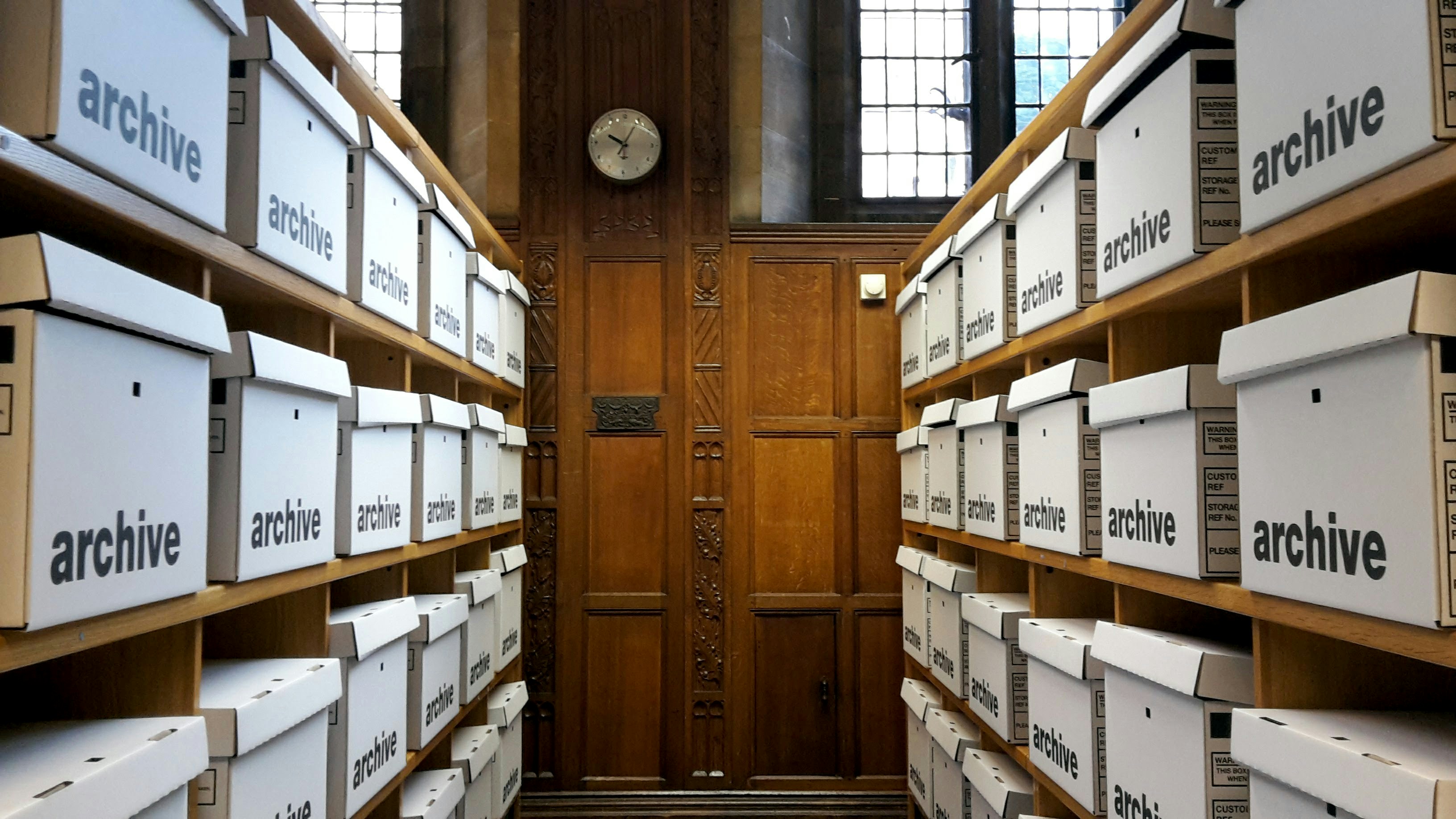
Most businesses work hard at collection. Reminders, portals, chasing, follow up. Then the document arrives and the process quietly ends.
It gets saved somewhere. Possibly the right folder, possibly an attachment left in an inbox, possibly a desktop. Six months later somebody needs it and spends twenty minutes finding out whether it exists.
That second half is where the real cost sits, and almost nobody measures it because it never appears as a task with a name.
The four things that have to happen
A document arriving is not a completed step. Four things have to follow, and most businesses do one or two.
Identify it. What is this, actually. Not what the client called the file, which is frequently scan0043.
Check it. Is it the right type, is it legible, does it cover the right period, does the name match, has it expired.
Extract from it. The three or four values somebody will otherwise re type into a system by hand.
File it. Correct place, consistent name, attached to the right record, findable by somebody who was not involved.
Skip the first and everything downstream is guesswork. Skip the last and you have collected something you cannot use.
Naming is not a small thing
The single cheapest improvement available is a naming convention that everybody follows.
Client, document type, date, in that order, every time. It sounds trivial and it is the difference between finding something in four seconds and asking three people.
Conventions fail when they depend on humans remembering under time pressure. The version that survives is one applied automatically at the moment of filing, which means naming has to be part of the intake rather than a policy pinned to a wall.
The re typing problem
Watch what happens when an invoice, a statement or a certificate arrives. Somebody opens it, reads four values, and types them into another system.
Two minutes. Forty times a week. It is not a task anybody owns, it happens between other things, and it has an error rate that nobody counts because manual errors were never counted anywhere.
This is the clearest automation case in most businesses and it is routinely overlooked because each instance is too small to feel like a problem.
Expiry is the failure that stays silent
Certificates, insurance, identification, licences and accreditations all have dates on them, and the date is the point of the document.
The failure is silent by nature. Nothing happens on the day a certificate expires. Nobody is told. It surfaces at an inspection, during an insurance claim, or when a subcontractor is already on site and should not be.
Every expiry date should be read at the point of arrival and tracked forward, with the renewal chase starting before the date rather than after somebody discovers it. That is a small piece of engineering against a genuinely asymmetric risk.
Where AI does the work
All four steps above were previously impossible to automate for one reason: documents are unstructured, and rules cannot read them reliably.
A rule can handle a form where the same value is always in the same place. It cannot handle a bank statement from one of forty institutions, an invoice laid out however the supplier chose, or a photograph of a certificate taken at an angle in poor light.
AI reads them the way a person would. It identifies what the document is, pulls the values regardless of layout, notices that the date has passed or the name does not match, and writes the result into your systems with the file named and placed correctly.
That is the capability that turns document handling from a permanent administrative load into a process that runs.
Draw the boundary deliberately
One thing to get right at the design stage, because it decides whether people trust the system.
Anything the system can verify against a clear criterion, it verifies. Anything ambiguous goes to a person, with the reason attached and the document ready to look at.
What must never happen is a confident wrong answer. A document that passed a check it should have failed is worse than one that was never checked, because now there is a record saying it was fine. Set the threshold conservatively at the start and loosen it once you have watched it work.
The audit trail you will need eventually
In regulated work, and increasingly outside it, being able to show what happened matters as much as the outcome.
What was requested, when, what arrived, what was checked, what was flagged, who reviewed it. That record costs nothing when the system is built and cannot be reconstructed afterwards at any price.
Businesses collecting by email have this scattered across individual inboxes, some belonging to people who have left. Functionally that is the same as not having it.
What to check this week
Pick a client from four months ago and try to find three specific documents from their file. Time it.
Then pick a category with expiry dates and find out how many are currently within thirty days of lapsing. If nobody can answer that without a search, it is not being tracked.
Then ask whoever handles intake how much of their week goes on typing values from documents into systems. That number is usually the first automation and the easiest to justify.
Retention is the obligation nobody runs
Keeping documents forever feels safe and is not.
Every year of material held beyond its purpose is another year of exposure in an incident, more volume to search when somebody makes a request, and storage nobody audits. Businesses accumulate this without ever deciding to, because deleting requires knowing what you have and where it sits.
Agree a retention period per category, apply it automatically from the date recorded at intake, and let it run. This is one of the few obligations that becomes genuinely easy once identification and filing are handled properly, and close to impossible before that.
AI Optimize reads documents on arrival, checks them, extracts what your systems need and files them where somebody else can find them. That work sits under Document Intake & Validation.
Related reading

What Quebec's Law 25 Means for Your Client Data
The final phase of Law 25 came into force in September 2024. Most of what it requires is not legal work. It is knowing where personal information sits and being able to act on it.
Why Files Sit for a Week Waiting on One Page
Document collection looks like admin and behaves like a bottleneck. In most businesses it is the single largest source of delay between a client saying yes and the work starting.
WHAT WE BUILD