

What to Do About the Shared Drive Nobody Owns
Every business has one. Fifteen years of files, three folder structures layered on top of each other, and nobody willing to delete anything. It is a liability and a search problem at the same time.

Open the shared drive at almost any established business and you find archaeology. A folder structure from 2011, another imposed in 2017 that only partly took, and a top level containing forty items with names like Final, Final v2 and Admin Stuff.
Everybody complains about it. Nobody fixes it, because fixing it means deciding what to delete, and nobody wants to be the person who deleted something.
Two separate problems wearing one costume
It helps to split this, because the fixes are different.
The retrieval problem. People cannot find things, so they ask a colleague or recreate the document. That is a productivity cost paid daily by everybody.
The exposure problem. You are holding client information you no longer have a reason to hold, in a place with permissions nobody has reviewed since it was set up. That is a risk paid all at once, on the day something goes wrong.
Businesses tend to treat this as an organisation project when the second problem is the more serious one.
Permissions are the part to look at first
Take an hour and check who currently has access to what.
You will usually find at least one of these: a contractor from two years ago who still has access, a folder shared with a link that anybody could open, an entire drive accessible to everybody because it was easier at the time, or client material sitting alongside salary and personnel information.
None of that was a decision. Each one was a convenience that outlived its context. And each is the kind of thing that turns a minor incident into a serious one, because the question afterwards is never what happened, it is what could have been reached.
Retention is the obligation everybody skips
Keeping everything feels prudent and is the opposite.
Every additional year of client material is more exposure if there is an incident, more volume to search if somebody makes a request about their own information, and more storage nobody audits. Under privacy rules in Quebec and elsewhere, holding personal information beyond the purpose you collected it for is not neutral, it is a failure to meet an obligation.
Businesses accumulate this without deciding to, because deleting requires knowing what you have, and knowing what you have is precisely the thing the drive prevents.
Why the reorganisation never happens
Three reasons, all rational.
It requires opening files to know what they are, which is slow. Nobody can tell what is safe to delete without understanding the content. And it is nobody’s job, so it is always less urgent than whatever is actually somebody’s job.
That combination is why every attempt starts with enthusiasm on a Friday and stops by the following Tuesday.
Where AI makes it tractable
This is a problem that stayed unsolved for a specific reason: it requires reading unstructured material at volume, and until recently that meant a person opening files one at a time.
AI reads the drive and answers the questions that were previously unanswerable. What is this document actually. Which client does it relate to. Does it contain personal information, and of what kind. When was it last genuinely used rather than last touched. Is this a duplicate of something else, including near duplicates with different filenames.
That turns an unbounded manual project into an inventory you can act on. You are no longer deciding blind, which was the thing preventing anybody from deleting anything.
It also changes retrieval. People stop needing to know where something was filed, because they can ask for it in their own words and get it. Once that is true, the folder structure matters considerably less, which is fortunate, because nobody was ever going to agree on one.
Do it in this order
Permissions first. Fastest, cheapest, and the highest risk reduction per hour spent.
Then inventory. Know what exists and what is in it, without opening files by hand.
Then retention. Agree a period per category and apply it from the date recorded. This only becomes possible once the inventory exists.
Then structure, if you still care. Most businesses find they no longer do, once search actually works.
What not to do
Do not announce a company wide clean up week. People will tidy their own areas, nothing structural will change, and the exercise will not be repeated because everybody now believes it was done.
Do not delete in bulk by date without knowing what is there. The one thing worse than keeping too much is deleting something you were required to retain.
And do not build a beautiful new structure and migrate into it. Every business that has tried this ends up with two structures instead of one, because the migration is never finished.
Departing staff are the sharpest version of this
Somebody leaves. Their account is disabled, and that feels like the end of it.
It rarely is. Files sat in their personal drive rather than the shared one. Folders they created are owned by an account that no longer exists, so nobody can change permissions on them. Documents shared by link from their account may keep working or may break silently, and neither outcome is visible until somebody needs the file.
Build an offboarding step that transfers ownership rather than only removing access. It takes ten minutes on the day and is close to impossible six months later.
Where the duplicates come from
Near duplicate documents are the clearest sign that retrieval has failed.
Somebody could not find the current version, so they made a new one from an old copy. Now there are two, both plausible, and the next person has to work out which is right. That compounds, which is why an old drive contains six versions of the same proposal template with no way to tell which anybody should use.
The fix is not discipline. It is that finding the current version has to be easier than recreating it, and on most shared drives it is not.
What good looks like afterwards
Three tests. Somebody who joined last month can find a document from two years ago without asking anybody. You can answer what personal information you hold about a specific client, and where, within an afternoon. And nothing is accessible to anybody who should not reach it, checked rather than assumed.
Most businesses fail all three the first time and can pass all three within a few weeks of deciding to.
AI Optimize reads what is actually on the drive, identifies what contains personal information, and makes retention something your systems apply rather than something nobody gets round to. That work sits under Document Intake & Validation.
Related reading
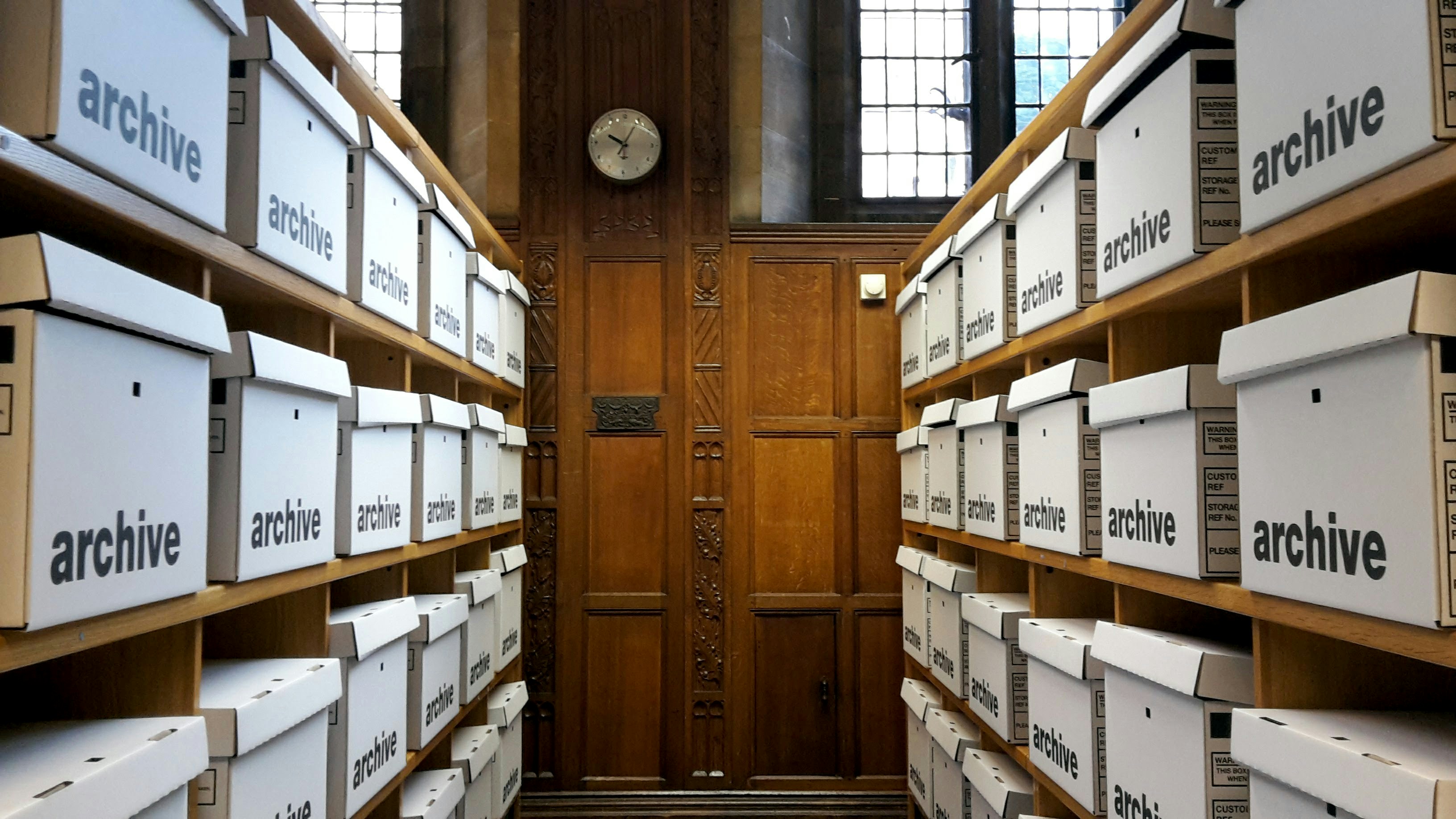
What Happens to Documents After They Arrive
Collecting documents is the visible problem. What happens next is where the cost actually sits, because a filed document nobody can find is the same as one you never received.

What Quebec's Law 25 Means for Your Client Data
The final phase of Law 25 came into force in September 2024. Most of what it requires is not legal work. It is knowing where personal information sits and being able to act on it.
WHAT WE BUILD