

Why Your Intake Form Loses People Halfway
You built a form to save your team time and it is costing you clients. Every field you added moved work off your desk and onto the desk of somebody who has not paid you yet.

Somebody clicked, started filling in your intake form, and stopped. You will never know who, and you will never know why, because an abandoned form generates no record of anything.
That silence is why the problem persists. Nobody complains about a form. They just leave.
The form was built from the wrong end
Almost every intake form is designed backwards. Somebody in operations lists everything the team eventually needs, and that list becomes the form.
Which is efficient for you and hostile to the person filling it in. They are being asked, before any relationship exists, to assemble information they do not have to hand, in the order your process wants it, in exchange for nothing they can see.
The tell is a form that asks for a policy number, a property reference, a prior provider or a document upload on the first screen. Every one of those requires the person to leave and go and find something. Most of them do not come back.
Every field is a price
Treat each field as a charge levied on somebody who is not yet a client, and the question becomes obvious: is this worth what it costs me to ask for it right now.
A phone number costs almost nothing. A twelve digit reference number from a document in a drawer costs a great deal. A file upload from a mobile phone costs more than most businesses believe, because it means finding the document, photographing it and getting it attached, standing in a kitchen.
The useful discipline: for every field, decide whether you need it to respond or you need it to deliver. If it is only needed to deliver, it does not belong on the form. Collect it after somebody has agreed to work with you, when they are motivated and you have a relationship to spend.
The information is worth less than you think
Here is the uncomfortable part. Most of what people type into long intake forms is wrong.
They estimate, they guess, they pick the closest option from a list that does not describe their situation, and they abandon precision because they want to get to the end. So you have paid for the abandonment with a shorter list of prospects, and what you collected still has to be checked by a person.
A five field form and a phone call beats a twenty field form almost every time, on both quality and volume.
What AI changed about intake
The reason forms grew this long is that structured fields were the only way to get usable data. A free text box saying “tell us what you need” produced a paragraph that no system could route, so somebody had to read every one and retype it. At any volume that is unaffordable, and the form absorbed the work instead.
That constraint is gone. A short form with one open question now produces perfectly usable structured data, because the paragraph can be read and understood rather than parsed.
What that looks like in practice: the person writes three sentences in their own words. The system reads it, identifies the service they need, the urgency, the location and the rough scale, writes those into your CRM as fields, routes it to the right person, and drafts a reply that references what they actually said rather than a template.
Anything genuinely missing gets asked for afterwards, once, by name, in a message rather than a form. And documents get read on arrival, so the reference number you were making them look up gets extracted from the photograph they send later, instead of being demanded before they have decided to hire you.
The form gets shorter and the data gets better. Those used to be a trade off and are not any more.
The three questions AI cannot answer for you
Shortening the form only works if somebody has decided what the business actually needs to know, and that decision is yours.
What is the minimum required to give a useful first response. Not a quote, not a diagnosis, a response that proves you understood. For most firms it is two facts and the rest is habit.
What is the one thing that disqualifies an enquiry. Wrong region, wrong size, wrong service. Ask that early, plainly, and let people leave, because a fast no is worth more than a slow maybe to both sides.
What are you asking for because a system needs it rather than a person. Account codes, dropdown categories, internal references. Those exist to save data entry and they are now the exact thing an AI step handles without anybody being asked.
What a good intake looks like now
Name, contact, and one open question. That is a complete first step.
An immediate, specific reply that shows somebody understood, not an autoresponder confirming receipt.
Everything else collected later, once the relationship justifies the effort.
Documents read rather than demanded, in whatever state they arrive.
Partial submissions captured, so an abandoned form is still a lead with a name on it.
That last point is worth its own line. Most forms submit or they do not, which means somebody who typed their name, email and half a sentence before giving up is invisible to you. Capturing progressively turns those into a list you can follow up, and it is usually the single highest return change available.
The test that takes a week
Run your existing form and a three field version side by side, split by traffic, for two weeks.
Count completed submissions and then count the ones that turned into real conversations, because the objection to the short form is always that it will produce unqualified enquiries. Sometimes it does. Usually the shorter form produces more of both, and the qualification happens in a two minute call that was going to happen anyway.
Either way you will have an answer rather than an opinion, and it will have cost you a fortnight.
AI Optimize replaces long forms with a short one, reads what people write in their own words, and writes it into your system as structured data. That work sits under Document Intake & Validation.
Related reading
What Happens to Documents After They Arrive
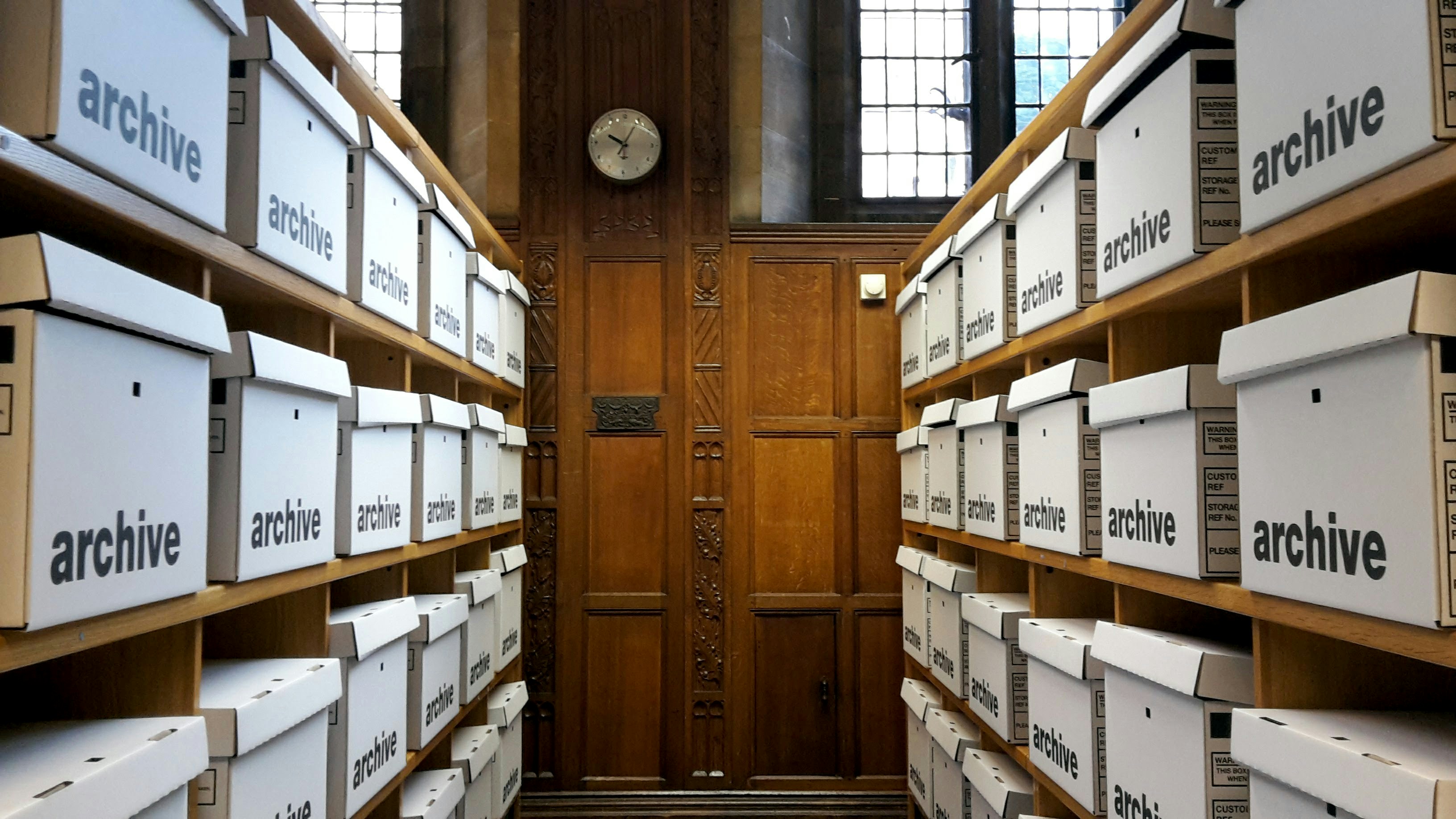
Collecting documents is the visible problem. What happens next is where the cost actually sits, because a filed document nobody can find is the same as one you never received.

Why Your Leads Go Cold in the First Hour
The gap between an enquiry arriving and somebody answering it is the largest leak in most pipelines, and almost nobody measures it in a way that shows the problem.
WHAT WE BUILD